
KR26 / Sheet 03.4
Web studio / Restaurants
Restaurant websites
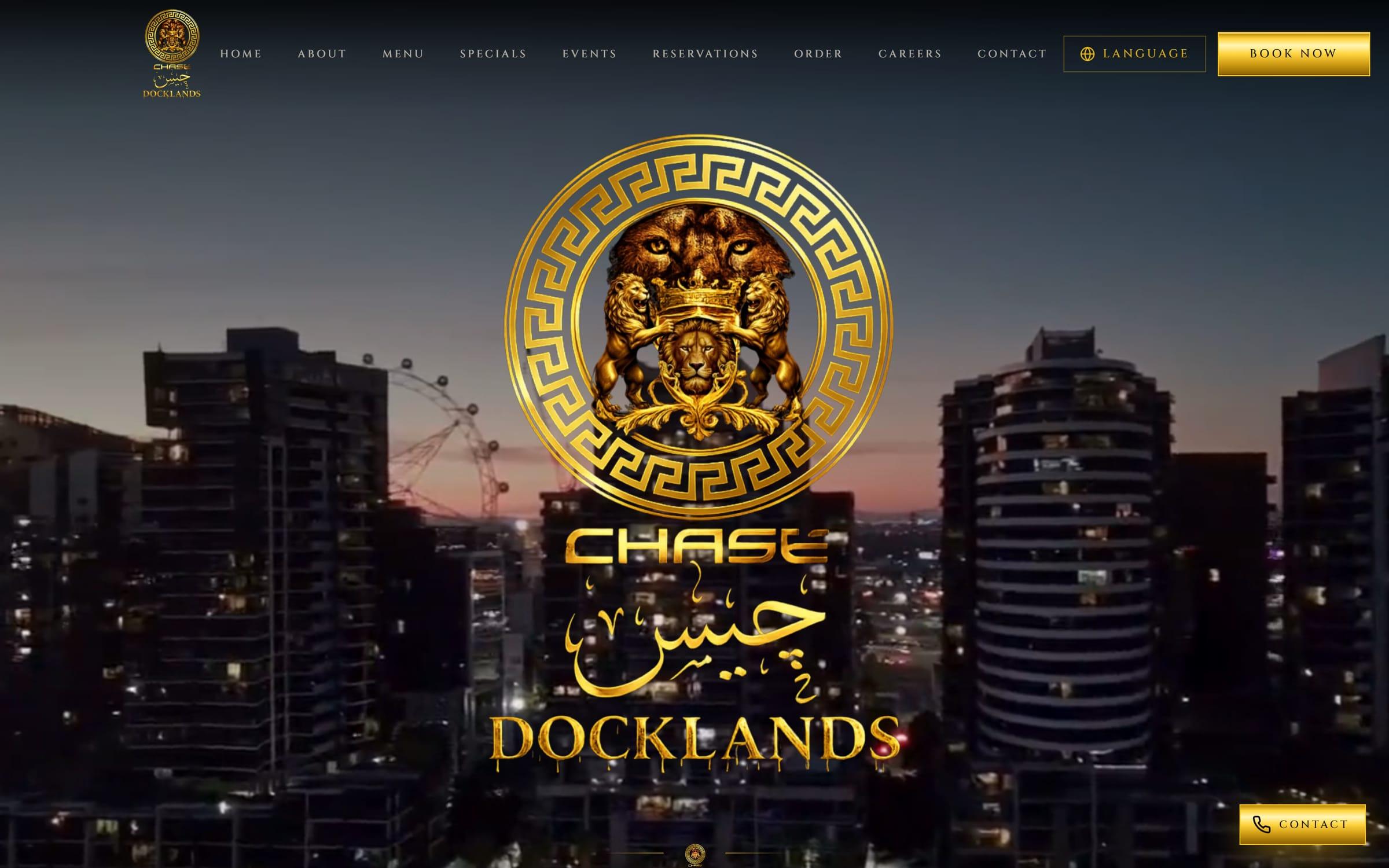
Fig. 01 Chase Docklands, home
01 / What a restaurant site needs
A website that takes orders, not just calls.
Orders from your own menu
Customers order straight from your point of sale’s menu, so the dishes and prices are always the ones you set. Pickup and dine-in orders land in the same place.
Table QR ordering
Guests scan the code on their table and order from their phone. The kitchen ticket shows which table it’s for.
Bookings with deposits
Guests pick a date, a time and how many, and pay a deposit, so fewer people don’t turn up. Busy nights can be closed to online bookings or made phone-only.
A menu that keeps up
Change a price or add a dish in your point of sale and the site follows within minutes. No waiting on anyone.
No delivery-app commission
Orders through your own site skip the delivery apps’ commission. Your payment provider’s card fees still apply.
Rules that fit your licence
Drinks with alcohol can be offered to dine-in guests only, if that’s what your licence needs.
Found on Google
SEO on every page, with your address, hours and menu set out in a form Google can read, and pages for the searches that matter to your venue.
02 / In practice
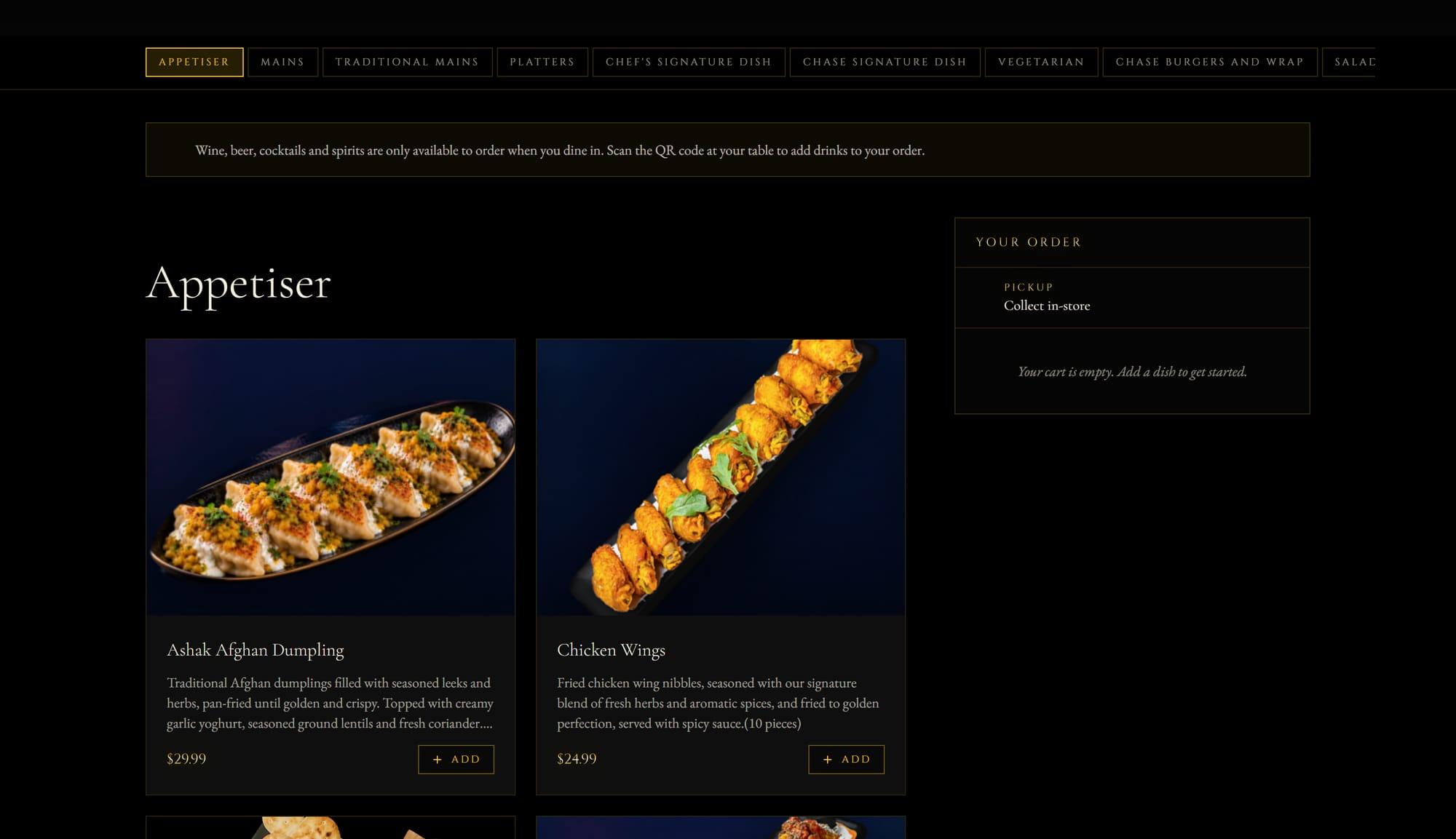
Chase Docklands
A Middle Eastern fusion restaurant on NewQuay Promenade. Its site takes pickup and dine-in orders from its Square menu, books tables with deposits and runs its events and weekly specials, all in one place.
03 / Which plan
Ordering or bookings means a custom build.
Online ordering, table QR codes and bookings with deposits are custom work, quoted per project once we know the venue. A café that only needs its menu, hours and location online fits the Website plan: $820 to build, then $49.99 a month.